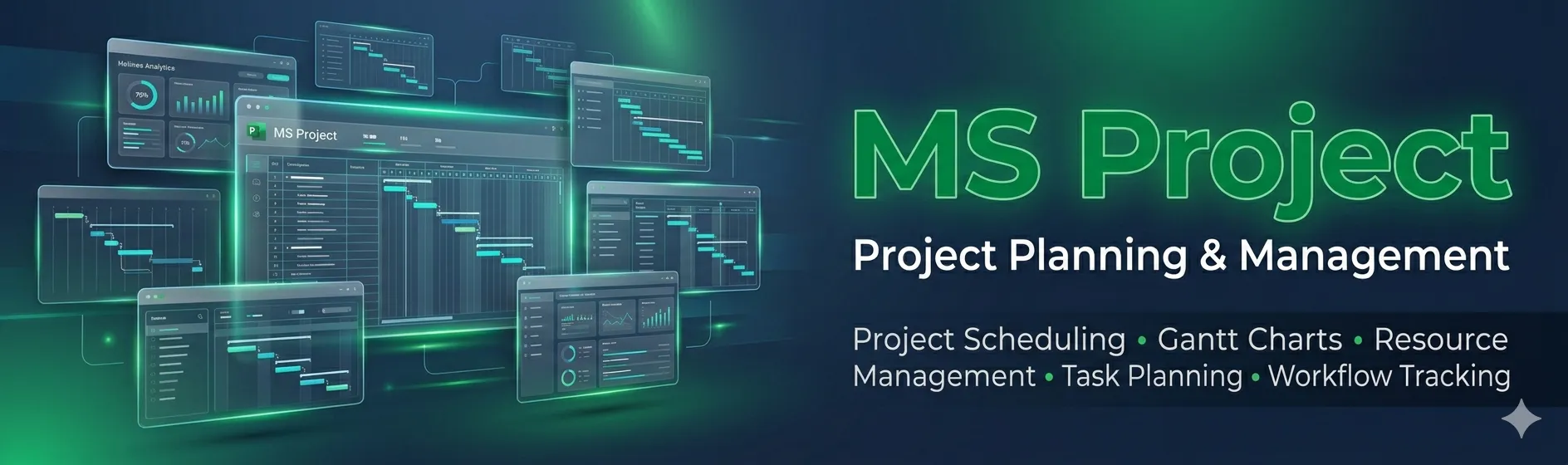
Microsoft Project is a widely used project management software that helps project managers, planners, and teams plan, execute, and control projects efficiently. It provides tools for scheduling, resource management, task allocation, and progress tracking, allowing teams to deliver projects on time and within budget.
MS Project supports both traditional (Waterfall) and modern (Agile) project management methodologies, making it versatile across industries such as construction, IT, manufacturing, and business operations. With Gantt charts, timelines, dashboards, and reporting tools, it enables visualization of project schedules, resource workloads, and project performance.
Industry-standard tool for planning, tracking, and managing projects efficiently.
Helps ensure projects are delivered on time, within scope, and on budget.
Prepares learners for careers in project management, planning, scheduling, and operations.
Provides skills for resource allocation, risk management, and reporting in professional projects.
Project Scheduling – Plan tasks, dependencies, and milestones with Gantt charts and timelines.
Resource Management – Allocate and track resources, including labor, equipment, and materials.
Budget & Cost Control – Monitor project costs, budgets, and variances.
Reporting & Dashboards – Generate status reports, progress dashboards, and performance metrics.
Collaboration – Integrates with Microsoft Teams, SharePoint, and Office 365 for team collaboration.
Create project timelines, Gantt charts, and milestones for effective project planning.
Manage task dependencies, critical paths, and project phases.
Allocate and track human resources, equipment, and materials.
Optimize resource utilization and workload balancing across teams.
Monitor project budgets, costs, and expenditures.
Track cost variances and financial performance of projects.
Generate progress reports, dashboards, and visual analytics.
Analyze project performance with status tracking and KPI monitoring.
Integrate with Microsoft Teams, SharePoint, and Office 365 for seamless collaboration.
Coordinate project tasks and communications across teams and departments.
By the end of this course, learners will be able to:
Understand the MS Project interface and tools for project planning and management.
Create project schedules, Gantt charts, and timelines for effective task management.
Assign and manage resources, including personnel, equipment, and materials.
Monitor project costs and budgets, ensuring financial control.
Track project progress and performance using reports and dashboards.
Identify critical paths and manage task dependencies to avoid delays.
Generate professional reports and visualizations for stakeholders.
Collaborate with teams using integrated tools like Teams and SharePoint.
Apply project management best practices and methodologies in real-world scenarios.
Develop professional skills for careers in project management, planning, and operations across industries.

100 Hours of Class






No: #172, Raahat Plaza,
2nd Floor, Office No: 196 & 197,
Arcot Road, Vadapalani,
Chennai - 600026.
caddschool@gmail.com
© CADD SCHOOL. All Rights Reserved. CADD SCHOOL