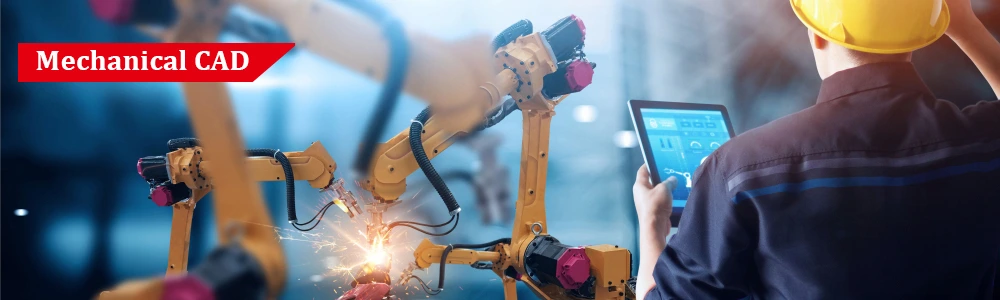
Autodesk Inventor is a leading 3D CAD (Computer-Aided Design) software developed by Autodesk, widely used for mechanical design, simulation, and product documentation. It provides engineers and designers with tools to create accurate 3D digital prototypes, enabling them to visualize, simulate, and validate designs before manufacturing.
Inventor is popular across industries such as automotive, industrial machinery, consumer products, aerospace, and robotics, due to its combination of parametric modeling, assembly design, and simulation capabilities. It helps reduce errors, speed up product development, and improve overall product quality.
Widely used in engineering and manufacturing industries.
Provides a complete workflow from design to manufacturing, reducing development time.
Equips learners with practical CAD, simulation, and documentation skills.
Enhances career opportunities in mechanical, industrial, and product design fields.
Parametric 3D Modeling – Build parts and assemblies with precision using parametric constraints.
Assembly Design & Management – Work with large assemblies, apply constraints, and detect interferences.
Sheet Metal & Weldments – Tools for fabrication-ready components.
Surface & Freeform Modeling – Create complex surfaces for aesthetic and ergonomic designs.
Simulation & Analysis – Perform stress, motion, and thermal simulations to validate designs.
Product Documentation – Generate detailed 2D drawings, BOMs, and annotations.
CAM & Manufacturing Integration – Prepare models for CNC machining and additive manufacturing.
Collaboration & Data Management – Supports Vault for version control and team collaboration.
Design and simulation of vehicle components, chassis, interiors, and assemblies.
Motion analysis, stress, and thermal simulation for safety and performance.
Design of machines, tools, jigs, and fixtures.
Sheet metal and weldment modeling for manufacturing-ready parts.
Ergonomic and aesthetic surface modeling for gadgets, appliances, and industrial products.
Small component design and assembly validation.
Precision modeling of surgical instruments, prosthetics, and medical devices.
Simulation for reliability, safety, and performance.
CAM integration for CNC machining.
Support for additive manufacturing (3D printing) workflows and rapid prototyping.
Generative design and topology optimization for lightweight structures.
Integration with PLM systems for collaborative product development.
By the end of this course, learners will be able to:
Create and constrain 2D sketches using dimensions, geometric constraints, and reference geometry.
Develop 3D parts and features using extrude, revolve, sweep, loft, fillet, chamfer, and patterns.
Design sheet metal components with bends, flanges, hems, and generate flat patterns for fabrication.
Build assemblies with multiple components, apply constraints, detect interferences, and create exploded views.
Apply surface and freeform modeling to create complex, ergonomic, and aesthetic designs.
Generate detailed 2D drawings with dimensions, GD&T, annotations, and a Bill of Materials (BOM).
Perform basic simulations such as stress, motion, and thermal analysis to validate designs.
Prepare models for manufacturing and additive processes like CNC machining and 3D printing.
Manage assemblies and design revisions efficiently using Autodesk Vault or PLM integration.
Apply professional CAD practices and demonstrate readiness for industry roles in mechanical design, industrial engineering, and product development.



Component Based Training
Industry Based Training
International Certifications
100% Placement Assistance
Free Certified Workshops & Seminars
Syllabus Based Classes
Component Based Training
Industry Based Training
International Certifications
100% Placement Assistance
Free Certified Workshops & Seminars
Syllabus Based Classes
Component Based Training
Industry Based Training
International Certifications
100% Placement Assistance
Free Certified Workshops & Seminars
Syllabus Based Classes
Component Based Training
Industry Based Training
International Certifications
100% Placement Assistance
Free Certified Workshops & Seminars
Syllabus Based Classes

Component Based Training
Industry Based Training
International Certifications
100% Placement Assistance
Free Certified Workshops & Seminars
Syllabus Based Classes
No: #172, Raahat Plaza,
2nd Floor, Office No: 196 & 197,
Arcot Road, Vadapalani,
Chennai - 600026.
caddschool@gmail.com
© CADD SCHOOL. All Rights Reserved. CADD SCHOOL